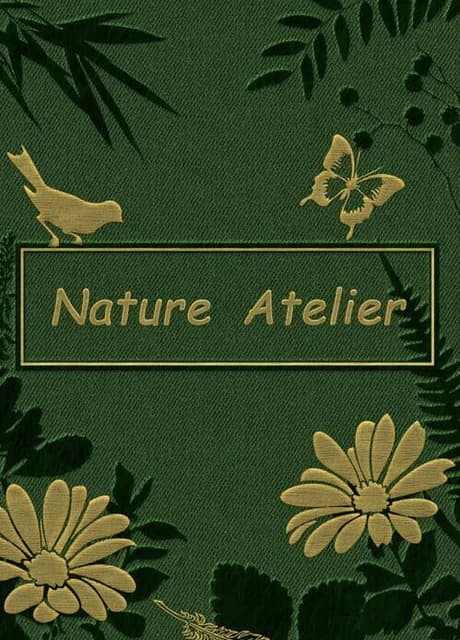
A decorative design game where you can create with various specimens. There are no rules or limitations—unleash your imagination and craft your own masterpiece!
Game Features:
- Hundreds of high-quality elements, including dried flowers, dried leaves, dried grass, and butterfly specimens.
- Dozens of patterns available for reference.
- Multiple styles of frames to choose from.
- Exquisite retro art style.
- Relaxing background music.
Game Controls:
- Hold down the left mouse button on an element to move it.
- Left-click an element to display the action panel. The buttons on the panel allow you to: enlarge, shrink, rotate clockwise, rotate counterclockwise, flip vertically, flip horizontally, duplicate, move the element up a layer, move it down a layer, delete, or close the panel.
- Hold down the layer adjustment buttons (up or down) to move an element to the top or bottom layer.
- Hold down the scaling or rotation buttons for continuous scaling or rotation.
- Click the button on the left side of the screen to display the element list. Drag elements into the scene to place them.
- Click the button on the right side of the screen to display the pattern or frame list. Switch between patterns or frames within the scene.
- Click the refresh button at the bottom left to reset the current scene.
- Click the camera button at the bottom right to hide all UI and take a screenshot.
- Press the ESC key to hide all UI, and press it again to restore the display.